In Short: The PC Becomes an AI Execution Environment
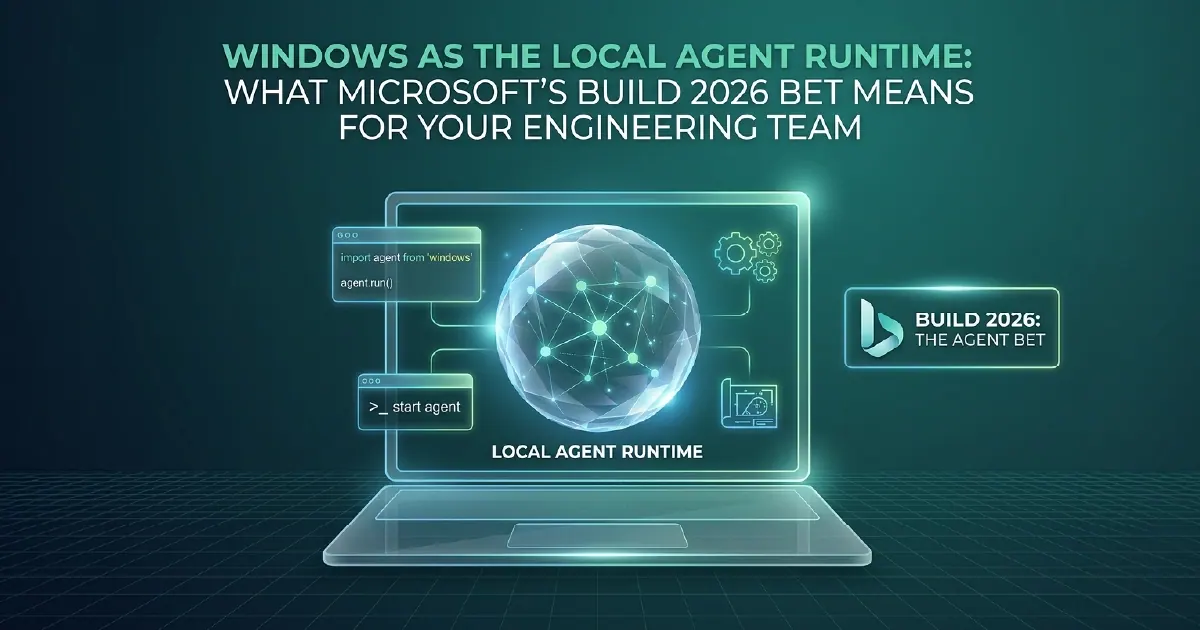
Microsoft's Build 2026 bet on Windows as a local agent runtime represents a significant architectural expansion. AI agents are no longer exclusively cloud-resident applications calling cloud-hosted models over the internet. Windows PCs, equipped with on-device neural processing units (NPUs) and the Windows Copilot Runtime, can now execute AI agent workflows locally - using on-device inference, local system access, and native Windows application integration - without sending data to the cloud for every interaction.
For engineering teams, this opens new developer tooling patterns and reduces the friction of cloud-only AI architectures. For enterprise architects, it introduces new governance questions alongside new capabilities.
What Makes Windows an Agent Runtime
Neural Processing Units (NPUs)
Modern Windows PCs - including the Copilot+ PC class introduced in 2024 and expanded in 2025-2026 - include dedicated NPU hardware designed for AI inference workloads. NPUs perform the matrix operations required for model inference efficiently, at lower power consumption than CPU or discrete GPU.
NPUs are not as powerful as cloud GPU clusters for large model inference. But for small-to-medium model inference - running small language models (SLMs), embedding models, vision models for document processing - NPUs provide fast, power-efficient, and private inference. The "private" element is significant: inference on an NPU means data does not leave the device.
Windows Copilot Runtime
Windows Copilot Runtime is the developer API surface that allows applications and agents to invoke on-device model inference, access Windows system state (file system, clipboard, running applications, calendar, contacts, notifications), and integrate with the Windows notification and action infrastructure.
For agent applications, this means agents can read and write local files, trigger local application actions, process documents on-device, and respond to Windows system events - all within the security boundary of the local device and user account, governed by Windows permissions rather than cloud IAM policies.
Local Model Hosting
Windows Copilot Runtime supports hosting small language models locally. Microsoft provides curated models - including Phi-4 and other SLMs from the Microsoft model portfolio - optimised for NPU inference on Copilot+ hardware. Third-party models can also be hosted locally through the runtime's model management API.
What This Means for Engineering Teams
New Developer Tooling
Agent skills for GitHub Copilot CLI are one expression of local agent capability. More broadly, engineering teams can build VS Code extensions, GitHub Copilot extensions, and Windows desktop applications that use on-device inference for developer productivity tasks - code review, documentation generation, commit message drafting, test case authoring - without cloud API calls for every interaction.
For teams sensitive to API costs or working in environments where cloud API calls require security approval processes, local model inference removes that approval overhead for AI-augmented development tooling.
Offline and Low-Latency Use Cases
Cloud-hosted AI agents have two fundamental constraints: internet connectivity requirement and round-trip latency to a datacenter. For use cases where offline operation or sub-100ms response is required - manufacturing floor applications, field service tools, edge computing scenarios - local agent execution is the only viable architecture.
Windows as a local agent runtime makes these use cases accessible through standard Windows APIs and Windows Copilot Runtime, rather than requiring embedded ML frameworks, ONNX runtime configuration, or specialised edge infrastructure.
Security and Data Residency
For organisations with strict data handling requirements - legal, healthcare, defence, financial services - local agent execution keeps sensitive data on the device. Document processing, contract analysis, and note assistance that involves sensitive personal data can run locally without any data leaving the device.
This does not eliminate endpoint security requirements - a compromised Windows device exposes locally processed data. But it removes the data-in-transit and data-at-rest risks associated with cloud processing for sensitive document workloads that currently block AI adoption in high-compliance environments.
The Governance Implications
Local agent execution creates governance challenges that cloud-hosted agents do not have. Cloud agents operate within the access control framework of the cloud platform - Azure RBAC, Entra ID, Purview policies. Local agents operate within the access control framework of Windows - controlled by the user and the endpoint management policy.
Organisations deploying local agents need to extend their AI governance frameworks to cover on-device agent behaviour: which local applications and data sources agents can access, what actions agents can take on the device, and how local agent interactions are logged and auditable.
Windows Copilot Runtime provides APIs for defining agent capability boundaries, and integration with Microsoft Intune allows enterprise IT to set device-level policies for which agent capabilities are enabled. But this requires deliberate policy design before local agents go to production - the governance does not come pre-configured.
Local vs. Cloud: A Decision Framework
Local agent execution is the right choice when:
- Offline operation is required - the agent must function without network connectivity
- Sub-100ms latency is required - cloud round-trips are too slow for the interaction model
- Data must not leave the device - sensitive personal, clinical, or regulated data
- Developer tooling - AI-augmented development tools that run per-keypress or on-save events
Cloud agent execution remains preferable when:
- The task requires large model capability - complex reasoning that SLMs cannot match
- Data from multiple enterprise systems is needed - agents querying Fabric, M365, and third-party APIs simultaneously
- Scale matters - the same agent workflow needs to run across thousands of concurrent users
- Centralised governance and audit are required - regulatory contexts where all AI interactions must be centrally logged
For most enterprise AI applications, the practical architecture is hybrid: local agents for developer tooling and latency-sensitive interactions, cloud agents for data-intensive reasoning and enterprise-scale workflows.
Our AI Solutions team helps engineering teams and enterprise architects design appropriate local and cloud agent deployment patterns, including governance frameworks for on-device AI operations.
What to Do About It Now
Local agent runtimes change where inference happens, not whether your data is ready to be reasoned over.
That is the work we do - see automation and AI delivery, and for the background, the governed data layer beneath it.
If you would like a straight assessment of where your estate stands, book a free 30-minute consultation. For where local execution fits in a full enterprise architecture, see our six-layer agent stack.
Sources and Further Reading
Frequently asked
Windows as a local agent runtime means Windows PCs can execute AI agent workflows locally, using on-device NPU hardware and the Windows Copilot Runtime API, without sending data to the cloud for every interaction. Agents can access local files, trigger local application actions, and use locally-hosted small language models - enabling offline operation, lower latency, and on-device data processing for sensitive workloads.
Windows Copilot Runtime is Microsoft's developer API for on-device AI inference and Windows system integration. It allows applications and agents to invoke locally-hosted AI models using NPU hardware, access Windows system state (file system, clipboard, calendar, contacts), and integrate with Windows notifications and actions. It is the foundation for building AI-powered Windows applications and developer tools that run inference locally rather than through cloud APIs.
A Neural Processing Unit (NPU) is a dedicated hardware chip in Copilot+ PCs designed for AI inference workloads. NPUs perform the matrix multiplication operations required for running AI models efficiently - faster and with lower power consumption than using the CPU for the same tasks. NPUs are sized for small-to-medium language models and embedding models rather than the large-scale models that require cloud GPU infrastructure.
Local AI agent execution keeps data on the device and removes data-in-transit and cloud-processing risks for sensitive workloads. However, it requires strong endpoint security - a compromised device exposes locally processed data. Enterprise deployment of local agents should include Microsoft Intune policies defining which agent capabilities are enabled, clear data handling policies for what local agents can access, and audit logging for agent interactions.
Most enterprise architectures use both. Local agents are appropriate for developer tooling, offline scenarios, sub-100ms latency requirements, and sensitive data that must not leave the device. Cloud agents are preferable when large model capability is needed, the agent must query multiple enterprise data sources simultaneously, or the agent must scale across thousands of concurrent users with centralised audit logging.